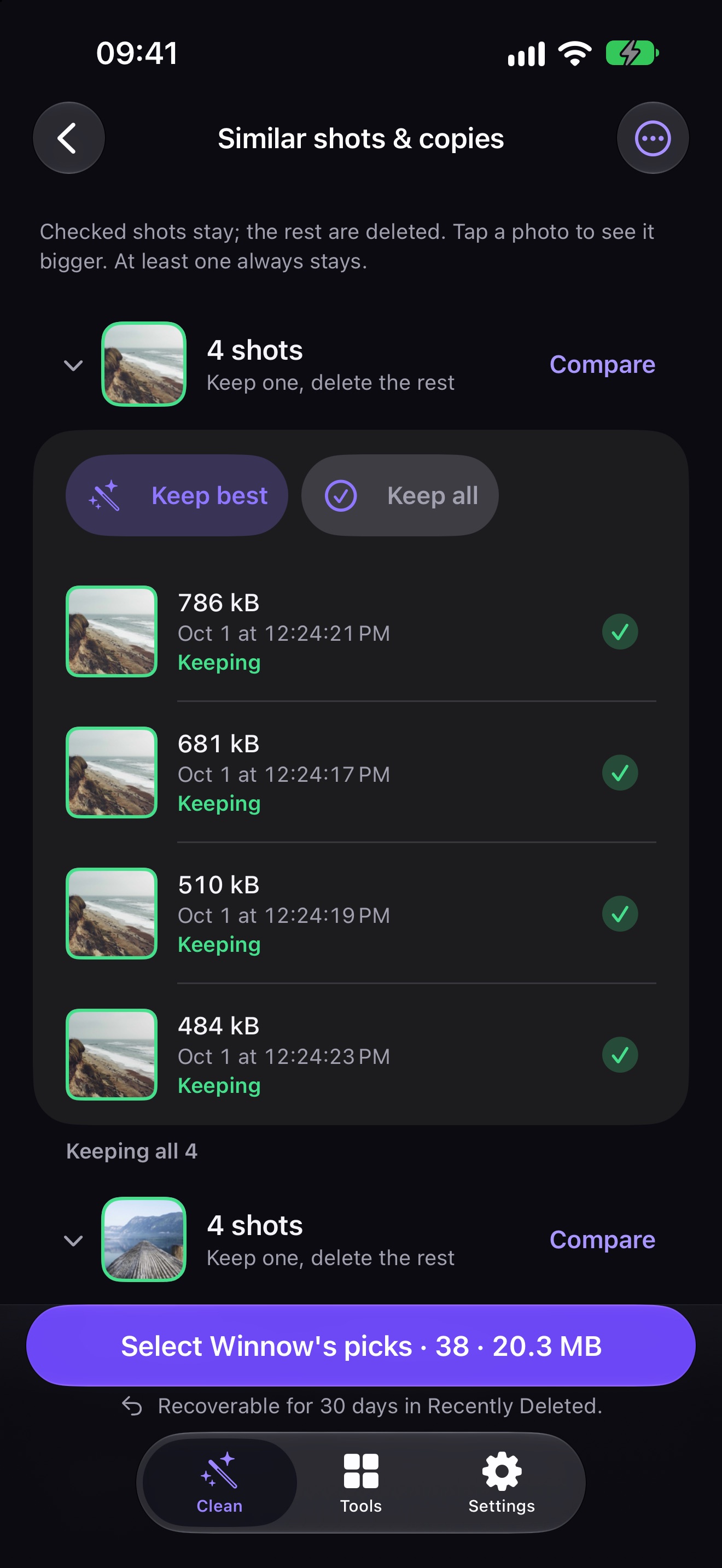
Keep the
best shot
Look-alike photos are checked visually on your iPhone, not guessed from the time they were taken. Compare them side by side; the sharpest one stays, and at least one always does.
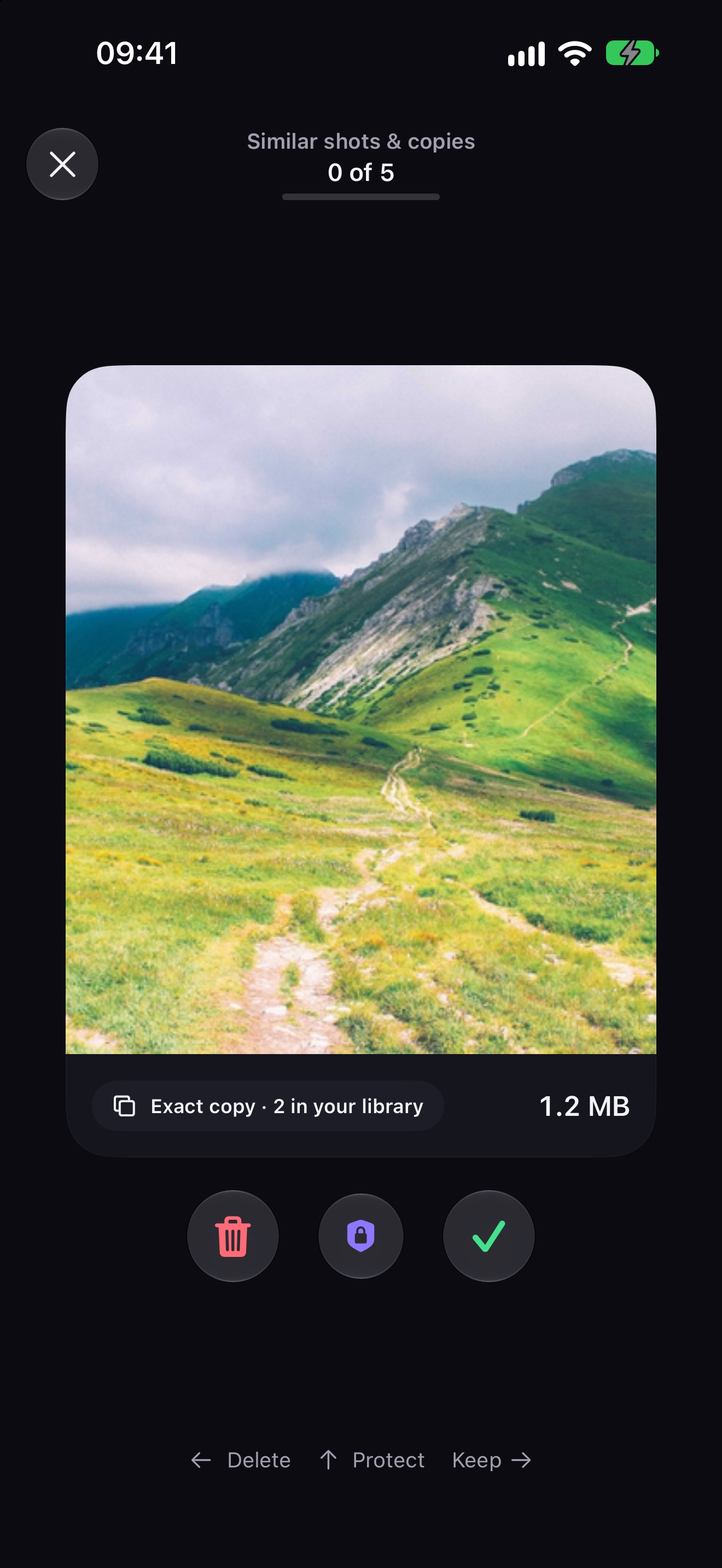
One photo
at a time
Left to delete, right to keep, up to protect — with undo. Review month by month or "On this day" in short rounds, and watch your progress add up.
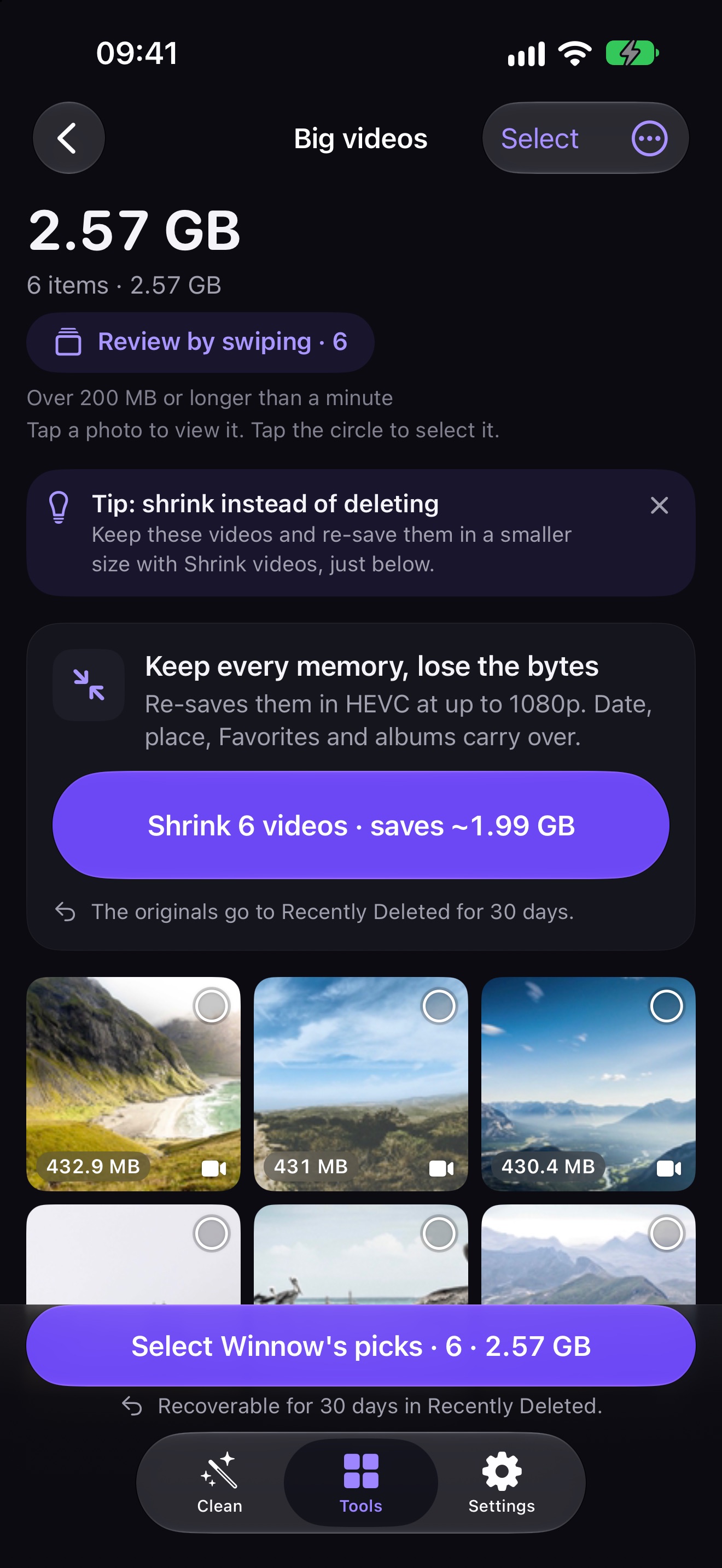
Big videos,
made smaller
Shrink big videos and keep the memory, turn Live Photos into stills, find blurry shots, clear old screenshots, merge duplicate contacts and tidy a whole trip by place.
Your photos stay
on your iPhone
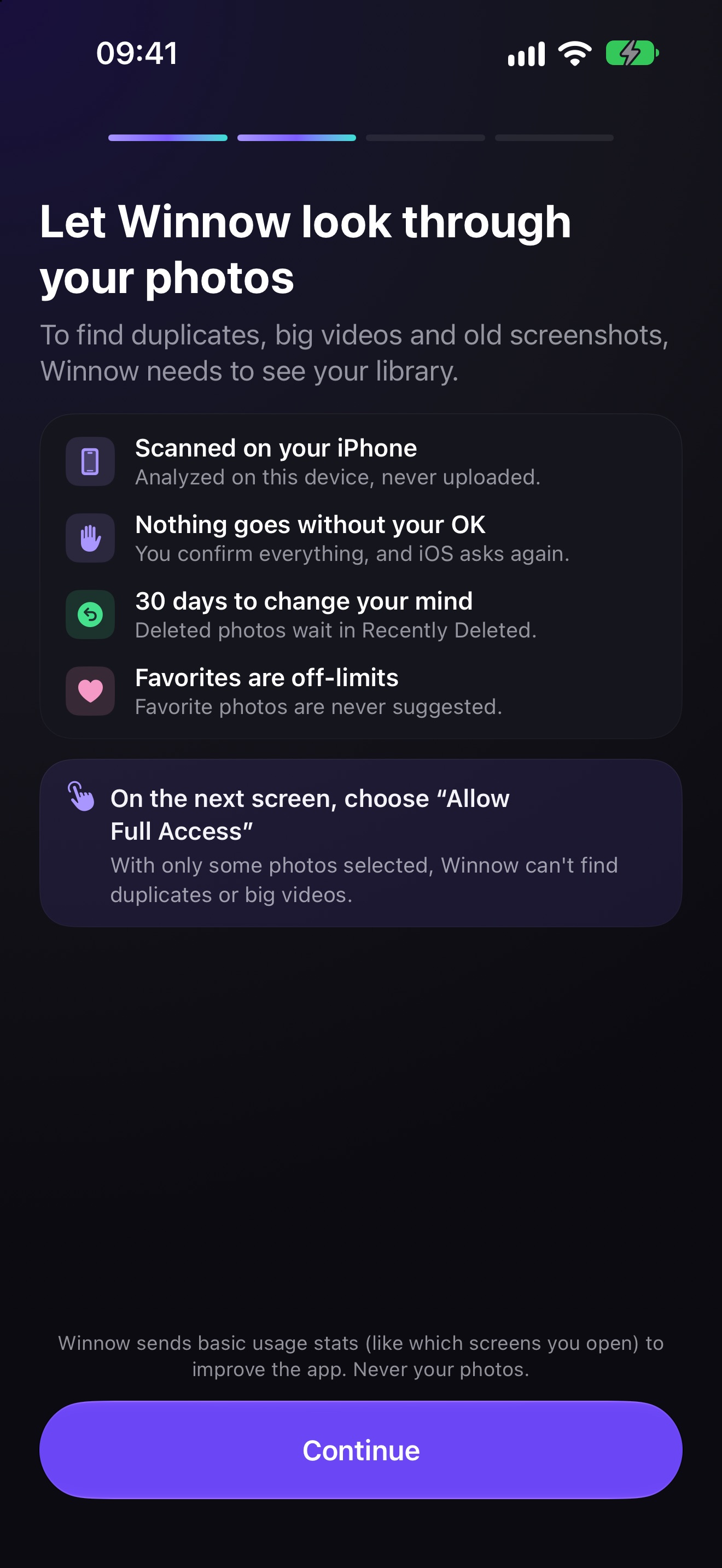
The analysis runs on your device and your photos are never uploaded. Favorites and protected photos are never suggested, and everything you delete waits 30 days in Recently Deleted.
How Winnow frees iPhone storage
- Scan
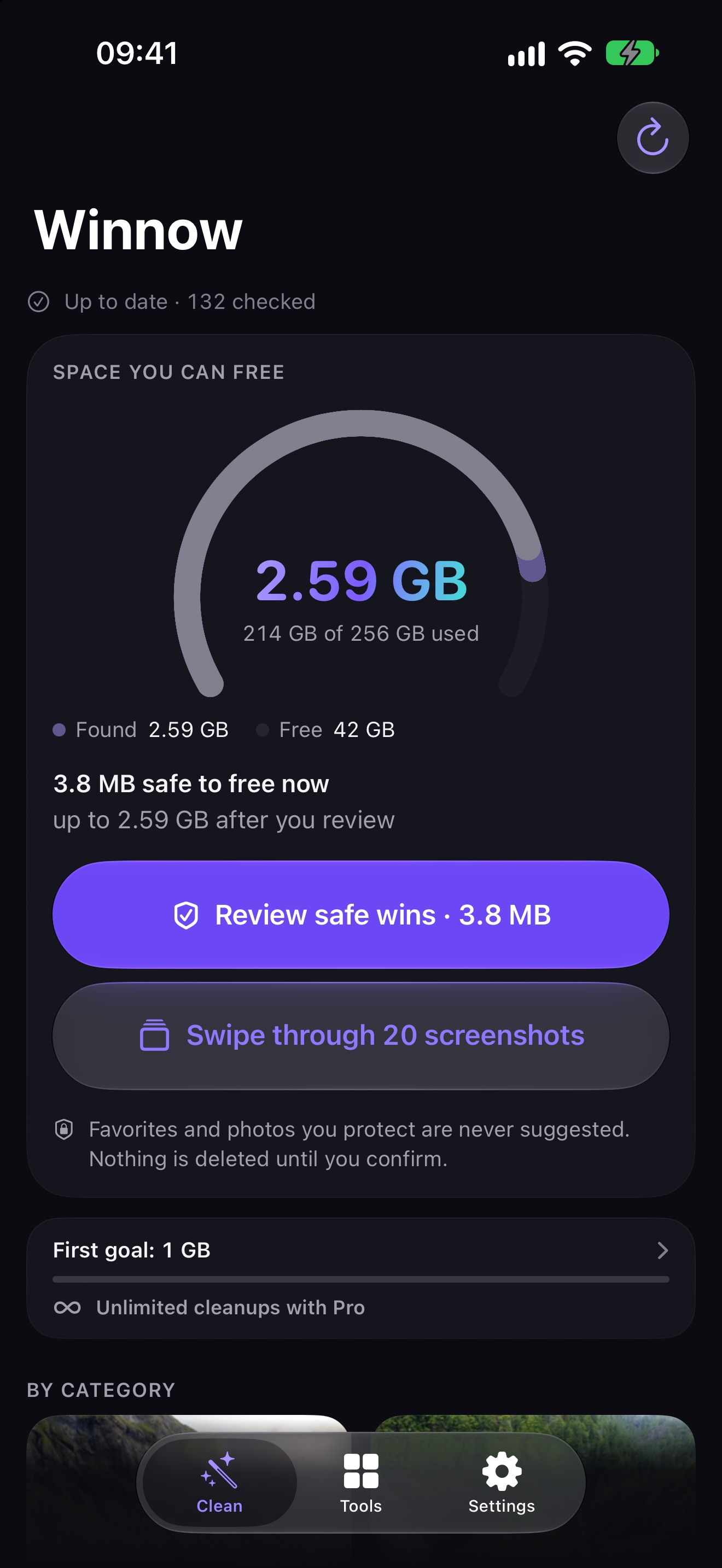
Winnow checks your photo library on your iPhone and shows the real space you can free, starting with your biggest win.
- Review
Swipe left to delete, right to keep, up to protect. Or compare similar shots side by side and keep the best.
- Delete
Confirm in the iOS sheet. Changed your mind? Everything waits 30 days in Recently Deleted.
Questions about Winnow
Does Winnow upload my photos?
No. Your photos are analyzed on your iPhone and are never uploaded. Winnow has no ads and no account.
Can I get back a photo I deleted by mistake?
Yes. Photos you delete go to Recently Deleted in the Photos app, where they wait 30 days before iOS removes them for good.
Will Winnow ever delete all copies of a photo?
No. In every group of similar photos at least one shot is always kept, and Favorites and photos you protect are never suggested.
Can I undo a deletion?
Yes. Deleted photos go to Recently Deleted and stay there for 30 days. Winnow always asks you to confirm in the iOS sheet before anything is deleted.
Why did my storage not go down after deleting photos?
Deleted photos keep using space until they leave Recently Deleted. Open that album and delete them there, or wait for the 30 days to pass.
Which iPhones does Winnow support?
Winnow needs iOS 18 or later and is built for the iPhone, including the iPhone Duo.
